
WordPress Plugins
The right plugins — properly configured, nothing wasted.
We choose and set up the plugins your Auckland business site actually needs: security, SEO, caching, forms, and backups — configured correctly, not just installed.
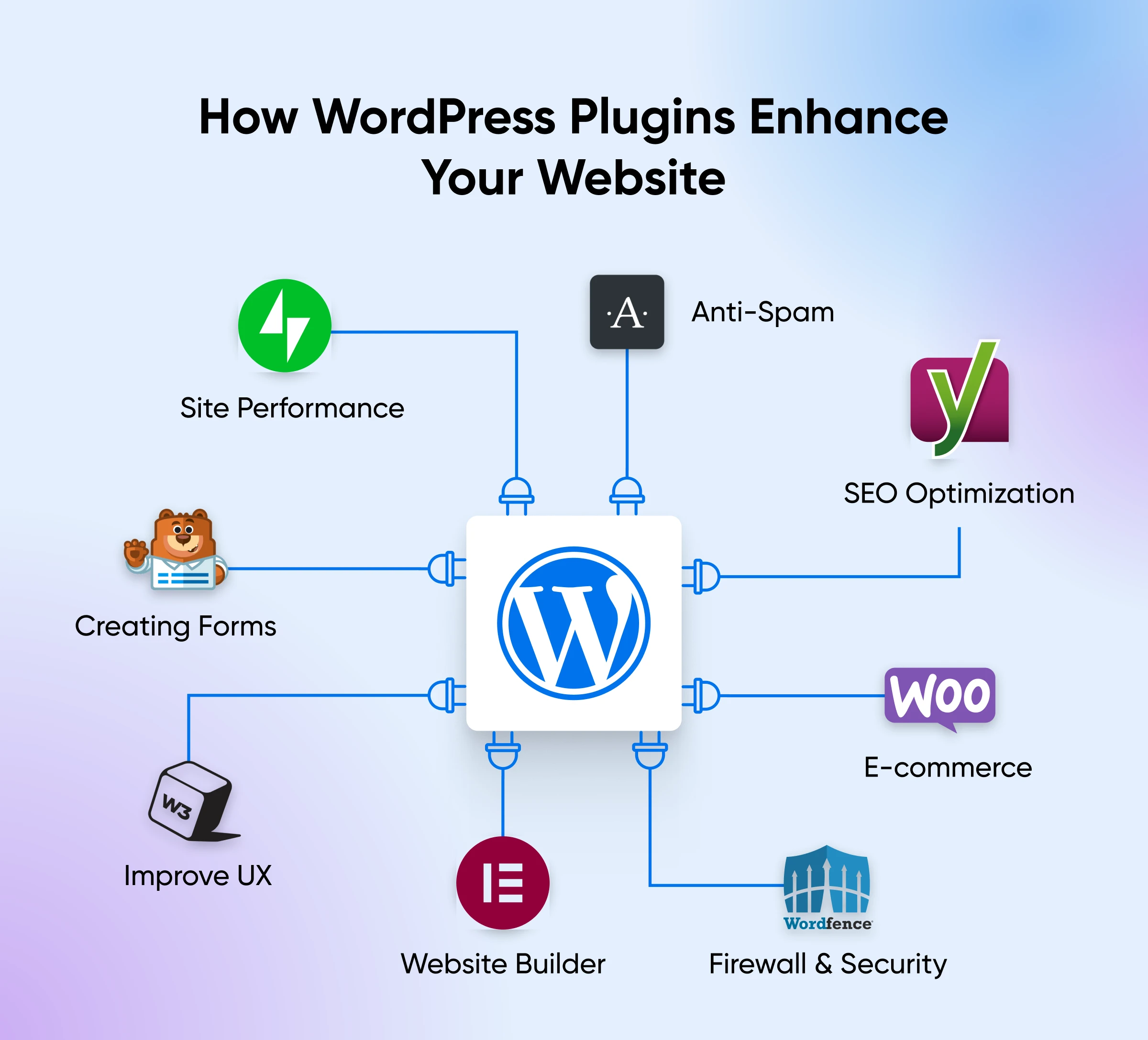
Essential Plugin Categories
What every Auckland business site needs.
These are the plugin categories we configure on every build — and why each one matters.
Security
Wordfence or Sucuri for firewall, malware scanning, and login protection. Every site we build leaves with a security plugin properly configured.
- Wordfence / Sucuri
- Firewall rules
- Login protection
- Malware scanning
SEO
Yoast SEO or RankMath to manage page titles, meta descriptions, schema markup, and sitemaps — giving search engines the information they need to rank your site.
- Yoast SEO / RankMath
- Page meta editing
- Schema markup
- XML sitemap
Performance & Caching
WP Rocket or LiteSpeed Cache to speed up page load times — compressing files, caching pages, and reducing requests to the server.
- WP Rocket / LiteSpeed
- Page caching
- Image lazy loading
- Minification
Forms
WPForms or Gravity Forms for contact, quote, and enquiry forms. Properly configured with spam protection, email notifications, and entry logging.
- WPForms / Gravity Forms
- reCAPTCHA spam protection
- Email notifications
- Entry logging
Backups
UpdraftPlus or BackupBuddy for automated daily backups stored offsite — so you can recover quickly from any problem.
- UpdraftPlus / BackupBuddy
- Automated scheduling
- Offsite storage
- One-click restore
Analytics Integration
GA4 and Google Tag Manager connected properly — tracking pageviews, conversions, and custom events without slowing the site down.
- GA4 integration
- Google Tag Manager
- Conversion event setup
- Lightweight implementation
Our Approach
Fewer plugins, better chosen.
Most over-plugged WordPress sites have the same problems: slow load times, plugin conflicts that break things on updates, and security vulnerabilities from abandoned plugins nobody removed.
We take a minimal, intentional approach. Every plugin on a site we build has a specific job. We avoid plugins that duplicate functionality, haven't been updated recently, or come from developers with poor security track records.
We also configure each plugin properly. A security plugin installed but never configured is useless. A caching plugin left on default settings may not make much difference. Configuration is where the value actually comes from.
- 8–12 plugins on a typical small business site
- Every plugin configured, not just activated
- Audits available for existing sites with too many plugins
- Plugin updates managed in our maintenance plans
WordPress Plugin Questions
Common questions from Auckland business owners about WordPress plugins.
How many plugins should a WordPress site have?
As few as needed to do what the site requires. More plugins means more potential conflicts, more attack surface, and slower load times. On a typical small business site, we use 8–12 plugins — each chosen for a specific, necessary purpose. We avoid plugin bloat.
Are free plugins safe to use?
Many of the best WordPress plugins are free — Yoast, Wordfence, and UpdraftPlus are all free in their core versions. Safety depends on whether a plugin is actively maintained, has a large user base, and has a good security track record. We don't install plugins with poor reputations or that haven't been updated recently.
What should I do when I see a plugin update notification?
Update plugins regularly — but not without checking first. Occasional updates can conflict with your theme or other plugins. If you're on a maintenance plan, we handle updates for you, testing on a staging environment first. If you're managing updates yourself, we recommend updating one at a time and checking your site after each.
Can you audit the plugins on an existing site?
Yes. We can audit your current plugin setup, identify anything that's outdated, insecure, poorly maintained, or redundant, and recommend replacements or removals. A bloated plugin stack is one of the most common causes of slow and vulnerable WordPress sites.
Do I need a premium plugin or will the free version do?
Depends on the plugin and your needs. For most small business sites, free versions of security, SEO, and backup plugins are sufficient. Premium versions typically add features like advanced reporting, priority support, or automation. We'll tell you honestly whether a paid upgrade is worth it for your situation.
Is your site weighed down by too many plugins?
Free consultation — we'll audit your current setup and tell you what's helping, what's hurting, and what to do about it.